Say what’s on your mind.
Ask the question. Share the photo. Post the thought you’ve been sitting on. Your posts don’t need your name attached.
THE STUDENT SIDE OF CAMPUS
The lecture thoughts. The halls debates. The questions you wouldn’t ask in the group chat. Find your university’s conversation on UPchat.
For university students. Anonymous posts. Actual campus life.
University email verified
Anonymous conversations
Your campus community
THE CAMPUS GROUP CHAT, REIMAGINED
From the everyday to the oddly specific, there’s room for your side of student life.
The thoughts, photos and conversations around campus.
Ask the question. Share the photo. Post the thought you’ve been sitting on. Your posts don’t need your name attached.
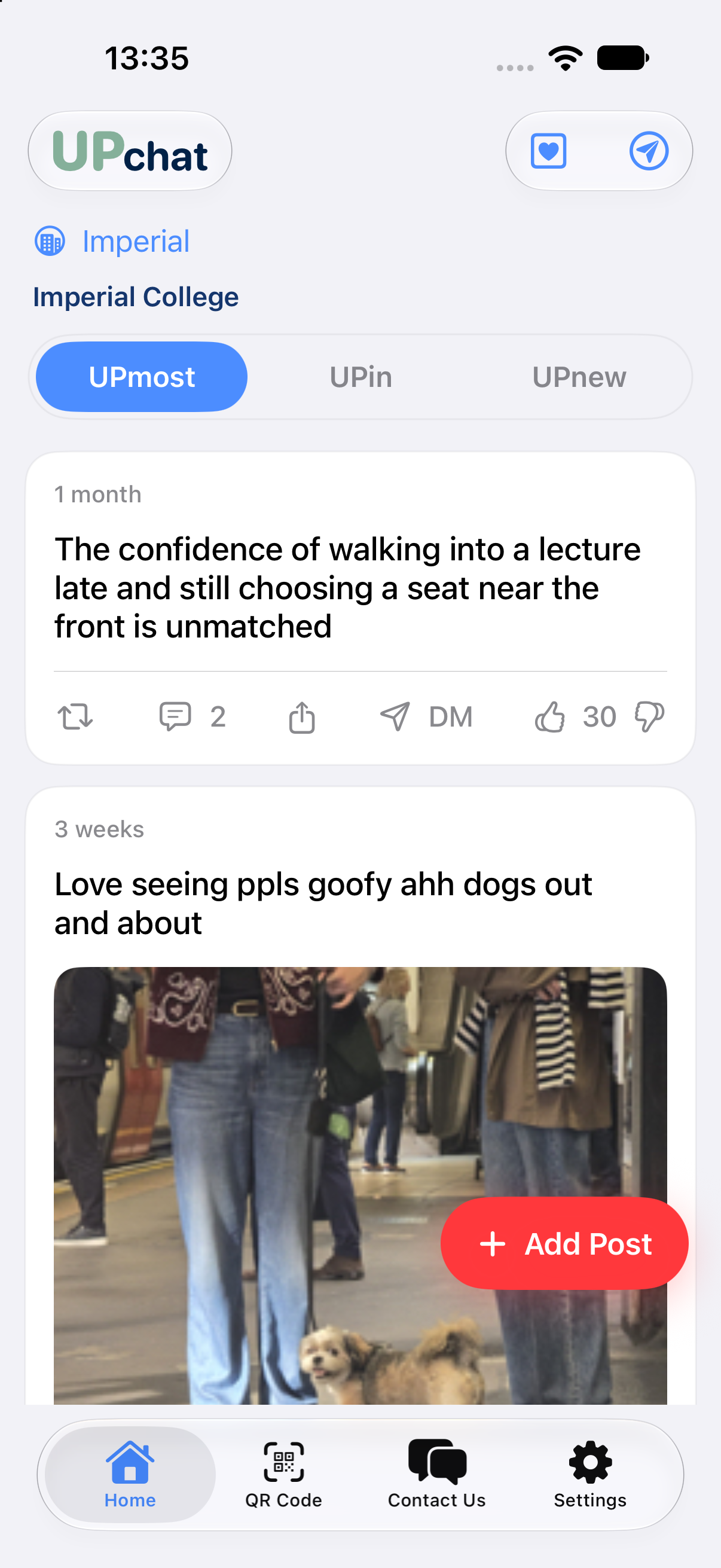
Start a poll, get into the replies, or see what everyone’s talking about. UPnew, UPin and UPmost help you find your way in.
A comment can be the start of something. Reply to a post or take the conversation into DMs with another student.
LESS SCROLLING. MORE BELONGING.
Download the app, bring your invite, and make yourself at home.
Download UPchat for iPhone or Android. Already a member? Log in as usual.
Choose your deviceEnter your ambassador’s invite code, then verify your university email. No code yet? Request an invite below.
Request an inviteChoose your year, halls and subject to find the communities available to you. Then join the conversation.
Your campus is the starting point.YOUR NEXT CAMPUS CONVERSATION
Bring your thoughts. Bring your questions.
There’s a campus conversation with your name off it.
You’ll need an invite code and your university email to create an account.
ON YOUR LAPTOP?

Point your phone camera here.
The same QR code you’ll find in the app.
A FEW THINGS TO KNOW
UPchat is for university students who want to connect with their campus community. Your invite code identifies your university, and signup verifies your university email.
Yes, new accounts use an ambassador invite code. If you don’t have one, or the code you have is full, you can request an invite. Existing users can log in without a new code.
Student posts don’t display your name. Your university email is used to verify your account. As with any online community, think before sharing personal information. See our Privacy Policy for how account information is handled.
Open the post or conversation in the app and use the report option. You can also reach us through Contact Us in the app or on the website. Our Terms & Conditions explain the rules for using UPchat.
NO CODE? START HERE.
At Imperial or UCL? Leave your university email to request a place in your campus community.
At another university? Tell us where you’d like to see UPchat.